
Disclosure: Some of the links in this article may be affiliate links, which can provide compensation to us at no cost to you. We only recommend products we’ve researched and believe will be valuable to our readers.
Opening a bank account is one of the first steps toward building a solid financial foundation. Whether you’re a first-time account holder, a college student setting up your first checking account, or someone who’s been operating in cash and wants to switch to a bank, this guide walks you through everything you need to know — from choosing the right account type to what documents you’ll need and how to get approved.
Why You Need a Bank Account
While it’s technically possible to live without a bank account, doing so is expensive and inconvenient. Here’s why having at least one bank account matters:
- Safety: Your money is insured by the FDIC (for banks) or NCUA (for credit unions) up to $250,000 per depositor per institution. Cash at home can be lost, stolen, or destroyed.
- Direct deposit: Most employers offer (or require) direct deposit, which gets your paycheck into your account faster — often 1–2 days earlier than paper checks.
- Bill payment: Set up automatic payments for rent, utilities, and subscriptions without needing money orders or cashier’s checks.
- Building credit history: While bank accounts don’t directly affect your credit score, having a banking relationship can help when applying for loans or credit cards. For more on credit building, see our guide on how to build credit from scratch.
- Earning interest: High-yield savings accounts pay 4%–5% APY in 2026 — your money grows while it sits in the bank.
- Avoiding fees: Without a bank account, you’ll pay check-cashing fees (1%–5% per check), money order fees ($1–$5 each), and wire transfer fees. These costs add up quickly.
Types of Bank Accounts
Checking Accounts
A checking account is your everyday transaction account. It’s designed for frequent deposits and withdrawals — paying bills, shopping, receiving your paycheck, and handling daily expenses.
Key features:
- Debit card for purchases and ATM withdrawals
- Check-writing capability
- Online bill pay and mobile banking
- Unlimited transactions per month
- Little to no interest (though some high-yield checking accounts pay modest interest)
Who needs one: Everyone. A checking account is the hub of your daily financial life.
Savings Accounts
A savings account is designed for storing money you don’t need immediately — like an emergency fund, vacation savings, or a down payment fund.
Key features:
- Earns interest (0.01%–5%+ APY depending on the bank)
- Limited to 6 withdrawals per month at some institutions (though many banks relaxed this post-2020)
- No debit card (typically)
- FDIC or NCUA insured up to $250,000
Who needs one: Anyone who wants to earn interest on savings. Pair a checking account with a high-yield savings account for the best results.
Money Market Accounts
A money market account combines features of checking and savings accounts. You earn interest (often competitive with savings accounts) while having limited check-writing and debit card access.
Key features:
- Higher interest rates than basic savings (often)
- Check-writing and/or debit card access
- May require higher minimum balances ($1,000–$25,000)
- FDIC or NCUA insured
Certificates of Deposit (CDs)
A CD locks your money for a fixed term (3 months to 5+ years) in exchange for a guaranteed interest rate. Withdrawing early typically triggers a penalty.
Best for: Money you won’t need for a specific period, especially when you want a guaranteed return.
Bank vs. Credit Union: Which Should You Choose?
| Feature | Banks | Credit Unions |
|---|---|---|
| Ownership | Shareholders (for-profit) | Members (not-for-profit) |
| Interest rates | Often lower on savings, higher on loans | Often higher on savings, lower on loans |
| Fees | Can be higher | Typically lower |
| ATM network | Usually larger proprietary networks | Shared CO-OP network (30,000+ ATMs) |
| Technology | Usually more advanced mobile apps | Catching up, but sometimes behind |
| Insurance | FDIC ($250,000) | NCUA ($250,000) |
| Eligibility | Open to anyone | Membership requirements (employer, location, etc.) |
| Branch access | Major banks have thousands of branches | Smaller networks, but shared branching available |
Bottom line: Credit unions often offer better rates and lower fees. Banks often offer better technology and wider branch/ATM access. Online banks often beat both on rates because they have no branch overhead.
How to Choose the Right Bank Account
Ask Yourself These Questions:
- What will I use this account for? Daily spending → checking. Saving for goals → savings or money market. Locking in a rate → CD.
- How important are branches? If you prefer in-person banking, choose a bank or credit union with branches near you. If you’re comfortable doing everything online, an online bank typically offers higher rates.
- What fees will I pay? Look for accounts with no monthly maintenance fees — or fees that are easily waived (often by maintaining a minimum balance or setting up direct deposit).
- What’s the ATM situation? Check the bank’s ATM network. Some online banks reimburse ATM fees nationwide.
- Does the interest rate matter? For checking accounts, rates are minimal. For savings accounts, the difference between 0.01% and 5.00% APY is significant — on $10,000, that’s $1 vs. $500 per year.
What Documents Do You Need to Open a Bank Account?
Whether you’re opening an account online or in-branch, you’ll typically need:
Required Documents
| Document | Purpose | Acceptable Forms |
|---|---|---|
| Government-issued photo ID | Identity verification | Driver’s license, state ID, passport, military ID |
| Social Security Number (SSN) or ITIN | Tax reporting | Social Security card, ITIN letter (for non-citizens) |
| Proof of address | Residency verification | Utility bill, lease agreement, bank statement (within 60 days) |
| Initial deposit | Fund the account | Cash, check, transfer from another bank (amount varies: $0–$100+) |
Additional Documents for Special Situations
- Joint accounts: Both account holders need to provide ID and SSN/ITIN
- Minors (under 18): A parent or guardian must co-sign; the minor needs their own ID and SSN
- Non-U.S. citizens: Passport, visa documentation, and ITIN (if no SSN). Some banks accept a Consular ID or foreign government-issued ID
- Business accounts: EIN (Employer Identification Number), articles of incorporation or formation, and business license
How to Open a Bank Account: Step-by-Step
Step 1: Research and Compare Accounts
Before committing, compare at least 3–5 banks or credit unions. Focus on fees, interest rates (APY for savings), ATM access, and digital banking features. Our guides to the best checking accounts and best savings accounts can help narrow your choices.
Step 2: Gather Your Documents
Have your government ID, Social Security number, and proof of address ready. If opening online, you’ll enter this information digitally (and may need to upload photos of your ID).
Step 3: Apply Online or In-Branch
Online application (most banks):
- Visit the bank’s website and click “Open an Account” or similar
- Choose the account type (checking, savings, etc.)
- Enter personal information: name, address, date of birth, SSN
- Verify your identity (upload ID or answer knowledge-based questions)
- Fund the account with a transfer from another bank, debit card, or wire
- Set up online banking credentials (username and password)
In-branch application:
- Visit a local branch with your documents
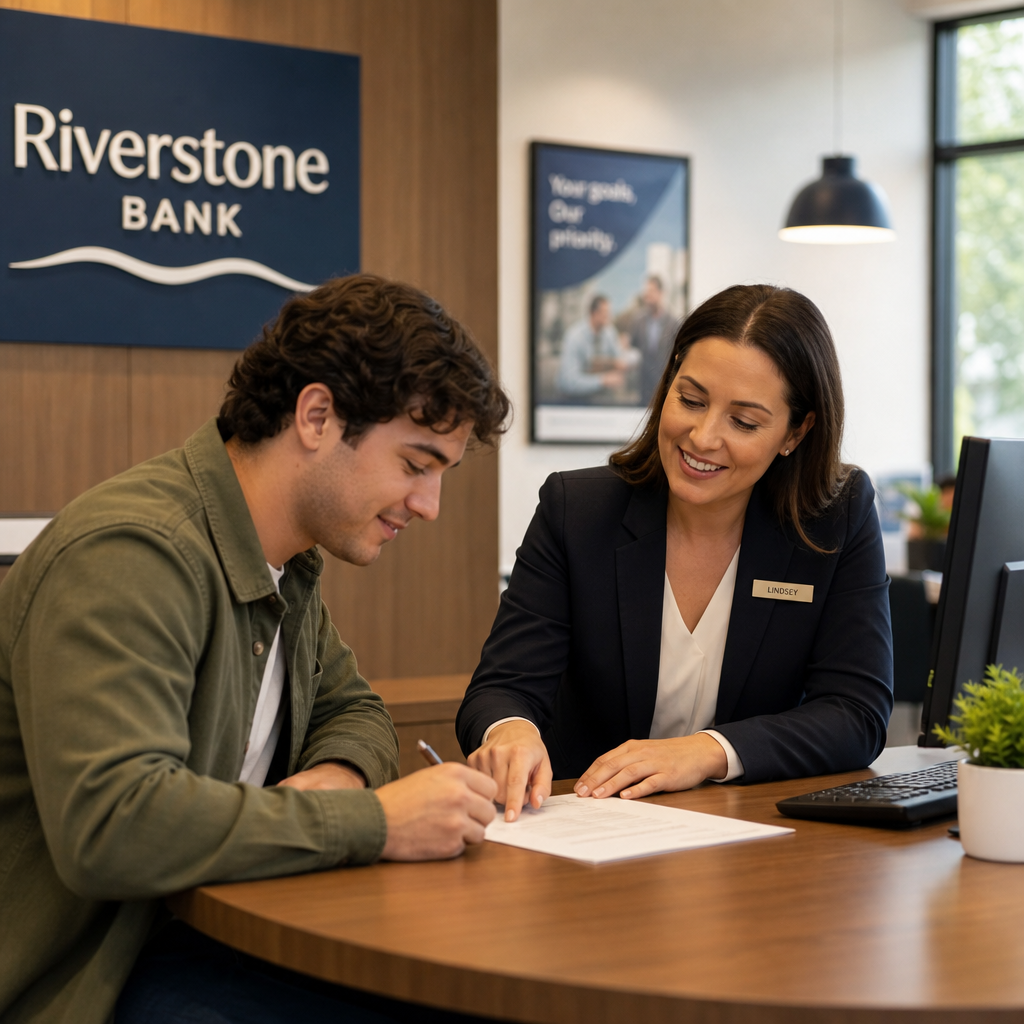
- A banker will walk you through the application
- You can fund the account with cash, check, or transfer
- You’ll typically receive a temporary debit card or have one mailed within 7–10 business days
Step 4: Fund Your Account
Most banks require an initial deposit to open the account. This ranges from $0 (many online banks) to $25–$100 (traditional banks). Funding options include:
- ACH transfer from an existing bank account (1–3 business days)
- Wire transfer (same-day, but fees may apply)
- Debit card funding (instant at some banks)
- Cash deposit in-branch
- Mobile check deposit (if available immediately)
Step 5: Set Up Direct Deposit
Ask your employer for a direct deposit form and provide your new account and routing numbers. Direct deposit typically starts within 1–2 pay cycles. Many banks waive monthly fees when you have direct deposit set up.
Step 6: Activate Digital Banking
Download the bank’s mobile app, enable push notifications for transactions, and set up alerts for low balances. Consider enabling two-factor authentication for extra security.
What to Do If You’ve Been Denied a Bank Account
Banks use a system called ChexSystems to check your banking history. If you’ve had accounts closed due to unpaid fees, fraud, or excessive overdrafts, you may appear in ChexSystems and be denied. Here’s how to handle it:
1. Request Your ChexSystems Report
You’re entitled to a free report annually from ChexSystems (chexsystems.com). Review it for errors and dispute any inaccuracies.
2. Pay Outstanding Debts
If you owe money to a previous bank, paying it off (or negotiating a settlement) may help clear the record. Some banks will remove ChexSystems entries once the debt is settled.
3. Apply for a Second-Chance Account
Many banks and credit unions offer second-chance checking accounts specifically for people with ChexSystems records. These accounts may have monthly fees or limited features, but they give you a path back to mainstream banking.
4. Try an Online Bank or Fintech
Some online banks and fintech companies (like Chime, Varo, or Current) don’t use ChexSystems at all, making approval easier.
Bank Account Fees to Watch Out For
| Fee Type | Typical Amount | How to Avoid |
|---|---|---|
| Monthly maintenance | $5–$25/month | Direct deposit, minimum balance, or choose a no-fee account |
| Overdraft | $30–$35 per occurrence | Opt out of overdraft coverage, link a savings account, set alerts |
| Out-of-network ATM | $2.50–$5 per withdrawal | Use in-network ATMs or choose a bank that reimburses fees |
| Wire transfer | $15–$30 domestic, $35–$50 international | Use ACH transfers or Zelle instead when possible |
| Paper statement | $2–$5/month | Switch to electronic statements |
| Account closing (early) | $25–$50 | Keep accounts open for at least 90–180 days |
| Foreign transaction | 1%–3% per transaction | Use a no-foreign-fee account or card for international purchases |
Tips for Managing Your New Bank Account
- Set up account alerts: Get text or email notifications when your balance drops below a threshold, when large transactions occur, or when direct deposits arrive.
- Enable autopay for recurring bills: Automate rent, utilities, and subscriptions so you never miss a payment. Just make sure your balance can cover them.
- Use budgeting tools: Many bank apps include budgeting features that categorize your spending automatically.
- Keep a buffer in checking: Maintain at least $500–$1,000 above your expected expenses to avoid overdrafts.
- Review statements monthly: Check for unauthorized charges, unexpected fees, and accuracy.
- Separate spending and saving: Keep your checking account for expenses and a separate savings account for goals. The psychological barrier of transferring money helps curb impulsive spending.
- Protect your account: Use strong passwords, enable two-factor authentication, never share your PIN, and report lost or stolen debit cards immediately. See our guide on protecting yourself from identity theft.
Frequently Asked Questions
Can I open a bank account online?
Yes. Most banks and all online-only banks allow you to open accounts completely online. You’ll need to provide your personal information and may need to verify your identity by uploading a photo of your government ID.
How old do you have to be to open a bank account?
Most banks require you to be at least 18 to open an account independently. Minors (typically ages 13–17) can open joint accounts with a parent or guardian. Some banks offer specialized youth savings accounts.
Can I open a bank account without a Social Security Number?
Yes. Non-U.S. citizens can open bank accounts using an Individual Taxpayer Identification Number (ITIN) instead of an SSN. Some banks also accept passports from certain countries. Not all banks accept ITINs, so call ahead.
How long does it take to open a bank account?
Online applications typically take 5–15 minutes. In-branch applications may take 20–45 minutes. Most accounts are open and accessible within 1–3 business days, though some online accounts are available immediately.
Can I open multiple bank accounts?
Absolutely. There’s no legal limit on the number of bank accounts you can have. Many people use multiple accounts for different purposes: one for bills, one for spending money, one for an emergency fund, and one for specific savings goals. Some banks even offer sign-up bonuses for new accounts.
What happens to my money if my bank fails?
If your bank is FDIC-insured (virtually all U.S. banks are), your deposits are insured up to $250,000 per depositor, per bank, per account type. In the rare event of a bank failure, the FDIC ensures you get your money — typically within a few days.
Bottom Line
Opening a bank account is straightforward, takes less than 15 minutes online, and gives you access to essential financial services — from direct deposit and bill pay to earning interest on your savings. Start by choosing the right type of account for your needs, gather your ID and Social Security number, and apply online or in-branch.
If you’re brand new to banking, we recommend starting with a no-fee checking account for daily transactions paired with a high-yield savings account for your emergency fund. This simple two-account setup covers most people’s needs and puts your money to work from day one.